01 / 07 AI generated image
AI generated imageLet me show you around BM-i Studio.
A content creation and social content workflow platform. Planning, creation, review and publishing in one connected place, in your brand's voice.
From a first prompt to a final edit. Explore the kinds of work Studio helps you create.
AI generated image Manually edited image · Studio sample
Describe what you have in mind, then refine the result to fit your brand.
Create free accountA glimpse inside the real Studio. Choose a stage or let Astrid guide you.
Topics are proposed against your content pillars. You approve the direction before production begins.

Planning what to post. Making it. Getting it approved. Getting it out. Most teams do these four things in four different tools that know nothing about each other.
So the brand lives in someone's head. The approval lives in a chat thread. The asset lives in a folder. And every new piece starts from nothing.
BM-i Studio is one workspace that carries a piece of content from idea to published, and it holds your brand, so everything it makes already sounds like you.
BM-i Verse™ holds who you are, what you sell, who it is for, how you sound and what you would never say. Every caption, image and video starts from it. You stop pasting in a brief each time.
Send something back with a note, and that note shapes everything made afterwards. Studio becomes more yours the longer you use it.
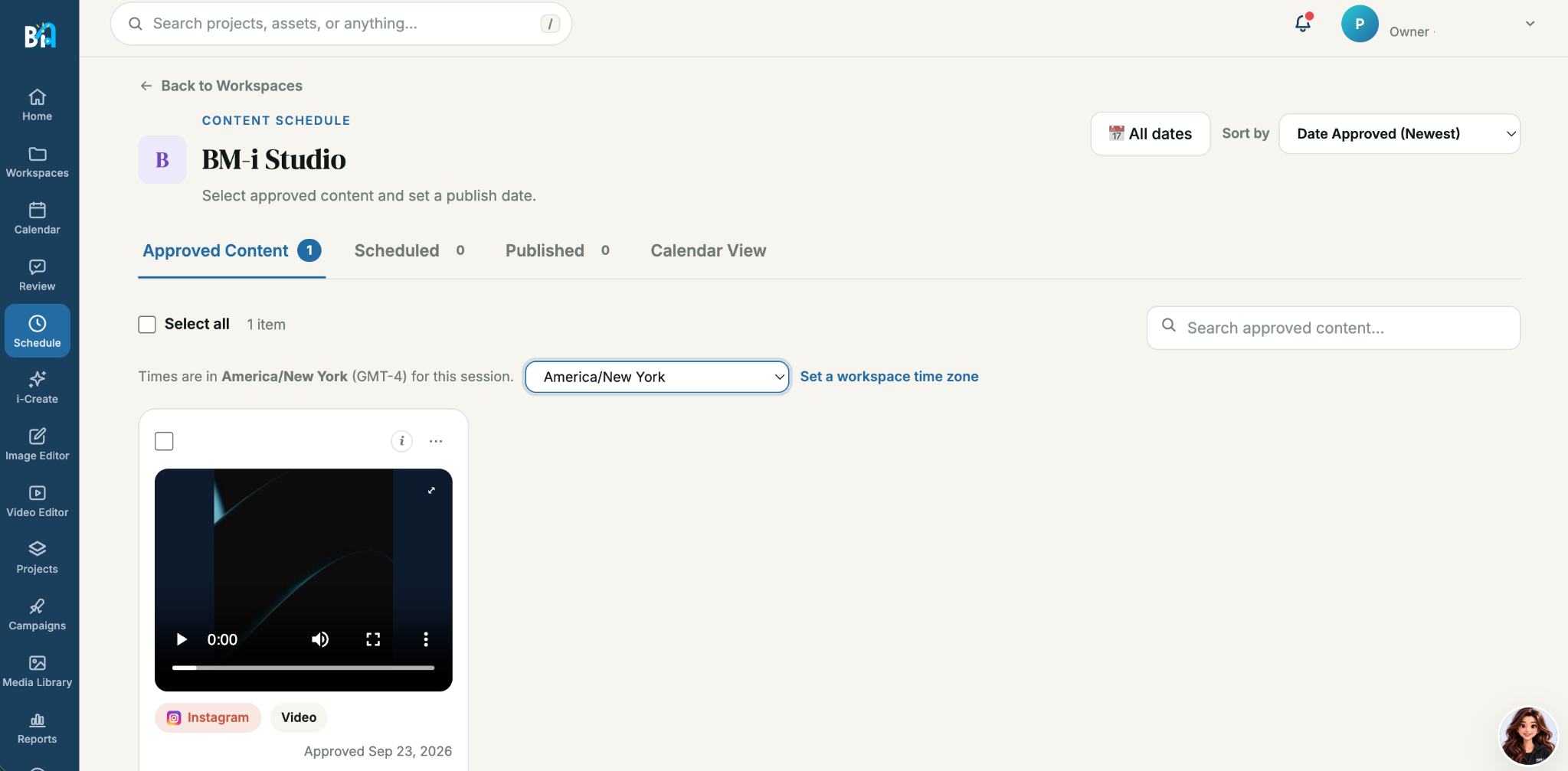
Approve every topic and every finished post. On Pro, supervised campaigns carry work forward with approval before each post. On Agency, campaigns can also run on Autopilot: posts go out on schedule without a review step, and you can pull or change any of them before they publish.
The gap between an idea and something ready to post.
Describe the idea and i-Create turns it into an image or video you can shape, approve and post.

Ask Astrid how to do something and she answers with your workspace in view. Give her a plain description and she turns it into a strong prompt.
Drag her anywhere on screen, so she never sits on top of your work. Human creativity supported by AI, never replaced by it.
Paid plans publish to Facebook, Instagram, LinkedIn, TikTok and YouTube, with each network switched on as it approves Studio.
Studio connects to your YouTube channel only when you choose to, by signing in with Google. With your permission it:
Studio never deletes or edits your existing videos, and never sells or shares your YouTube data. You can disconnect your channel at any time in Settings → Social accounts. See our Privacy Policy for details.
Your brand is part of everything Studio makes. BM-i Verse™ holds how you sound, and every caption, image and video starts from it. When you send something back with a note, later work learns from it.
No. You decide how much Studio handles. Keep every piece in review with an approval step you set for each workspace. Pro campaigns keep each post in review. Agency campaigns can also run on Autopilot, publishing on schedule without a review step.
Studio fills the gaps between planning, making, approving and publishing, so the work stops moving between separate tools.
Each workspace holds its own brand. Client workspaces stay separate from each other.
Yes. Each brand gets its own workspace with its own approvals, under one account and one bill.